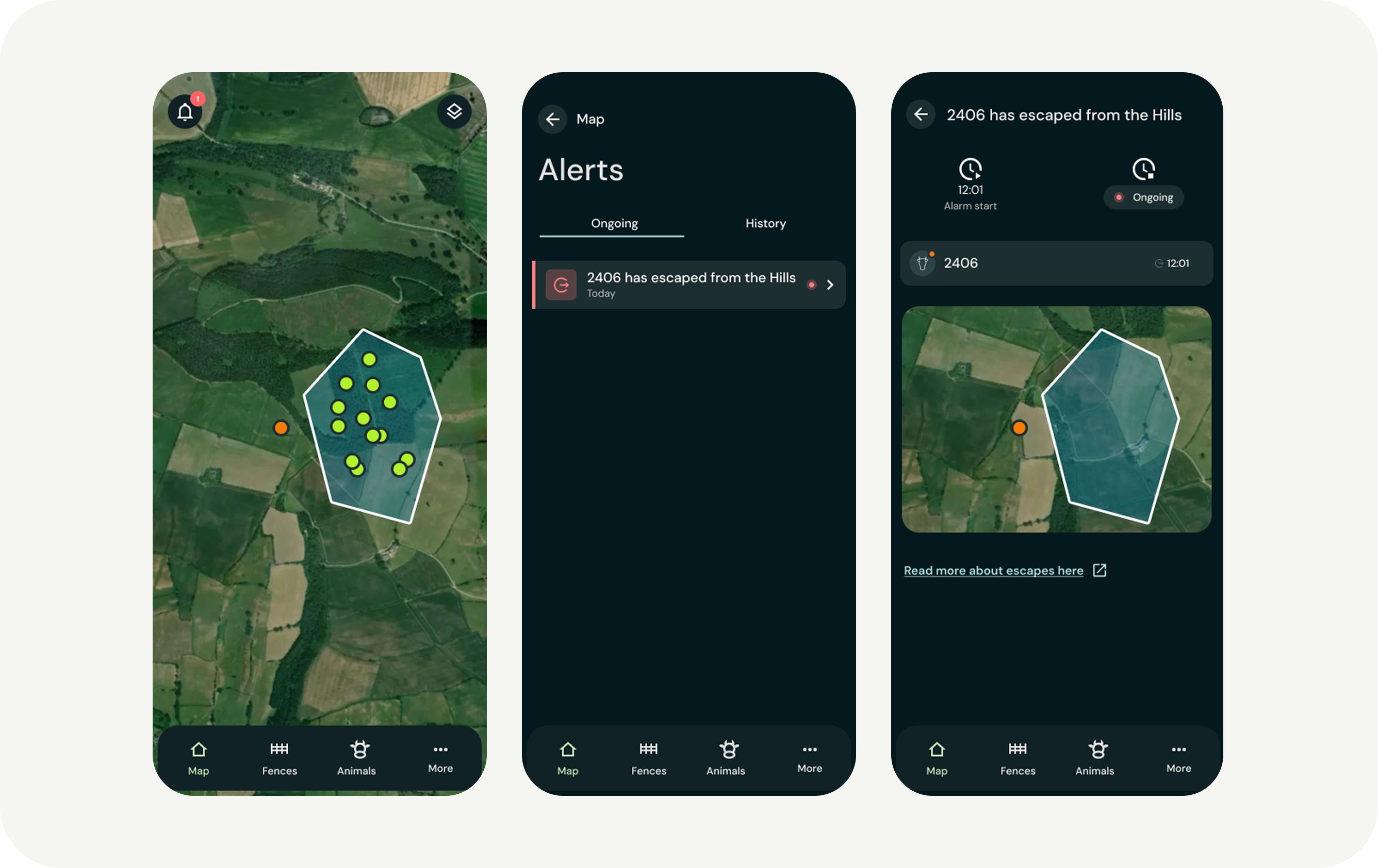
Although virtual fencing is highly reliable, an animal may occasionally cross the boundary, for example if it becomes scared or if something outside the pasture is tempting. Here is a guide on how to handle an escape alert.
1. Track the animal in the app
Even though the collar stops delivering sound and pulses (to protect animal welfare), it continues to send accurate location data. You can follow the animal’s position and movement in real time on the map in the app.
2. Perform a physical check
Virtual fencing does not replace physical supervision. When you receive an alert, you should always check on the animal to ensure it is healthy and that everything is in order on the pasture.
3. Analyze the situation (if it happens repeatedly)
If escapes occur multiple times in the same place, there is usually a logical explanation in the terrain. Consider checking the following:
- Terrain: Is the boundary placed on a steep downhill slope where the animal may gain too much speed?
- Bottlenecks: Is the fence drawn too narrowly, making the animal feel constrained?
- Resources: Is there a popular resting area, trail, or water source just outside the boundary?
- Grazing pressure: Is there enough food inside the virtual pasture? Repeated escapes can often indicate that it is time to move the herd to a new grazing area.
4. The “repeat escapee”
Do you have a specific animal that escapes repeatedly while the rest of the herd remains within the boundary?
- Check that the collar is fitted correctly (not too tight and not too loose).
- Consider whether the animal may benefit from repeating the training process.
- Contact our support team if you suspect there may be a technical issue with that specific collar.
Remember: The collar never delivers signals when the animal is moving back into the pasture. Often it is enough to simply guide the animal in the right direction, and the fence will automatically reactivate once the animal is back inside the boundary.