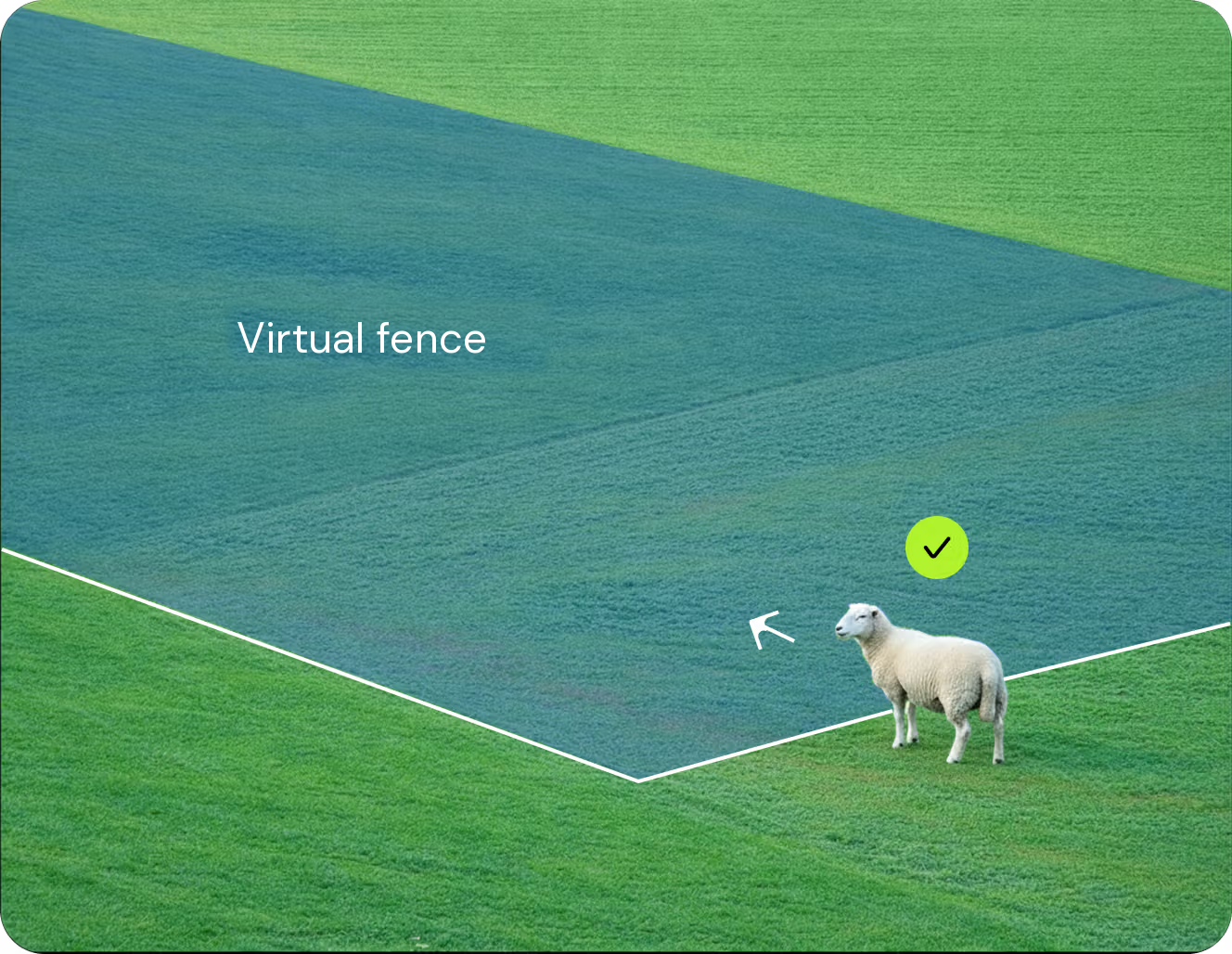
1. Create a new fence
To create a new fence: Open Fences, tap + and then New fence. Place the square roughly where you want your fence.
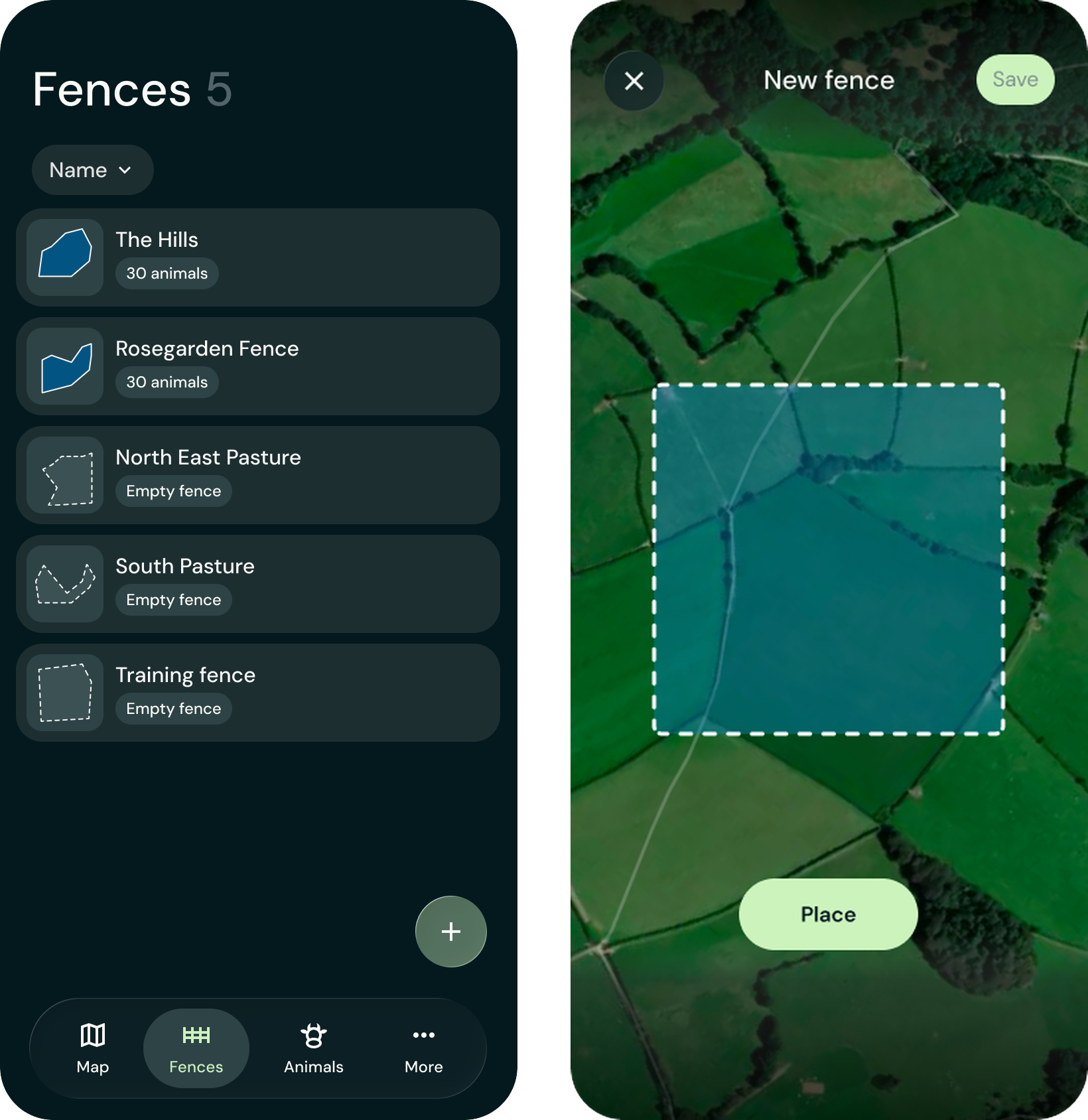
2. Draw the fence in the app
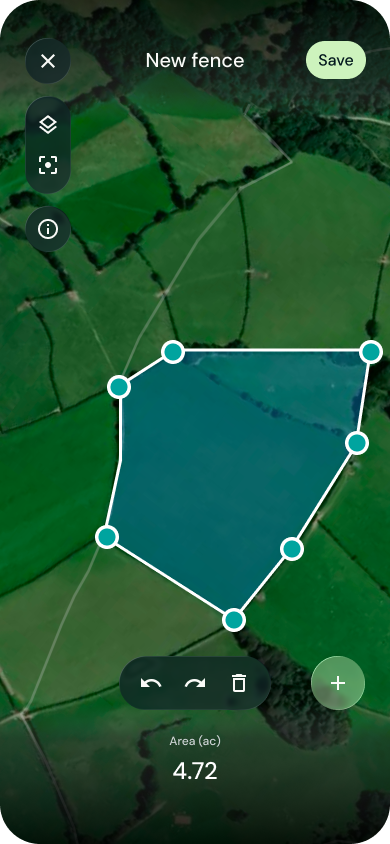
- Press and hold a fence post (blue circle) and drag it to move the post.
- Add more posts by pressing and holding the white icon with a plus sign and dragging it to the position you want.
- To remove fence posts, tap the bin icon in the bottom right corner and then select the posts you want to remove. Tap ”Done” when you have finished.
If this is a training fence, we recommend that you draw the virtual fence approximately 2–5 metres inside your physical fence.
TIP: When you draw the fence, you can walk along the intended fence boundary while you place the fence posts in the app.
3. Create exclusion zones
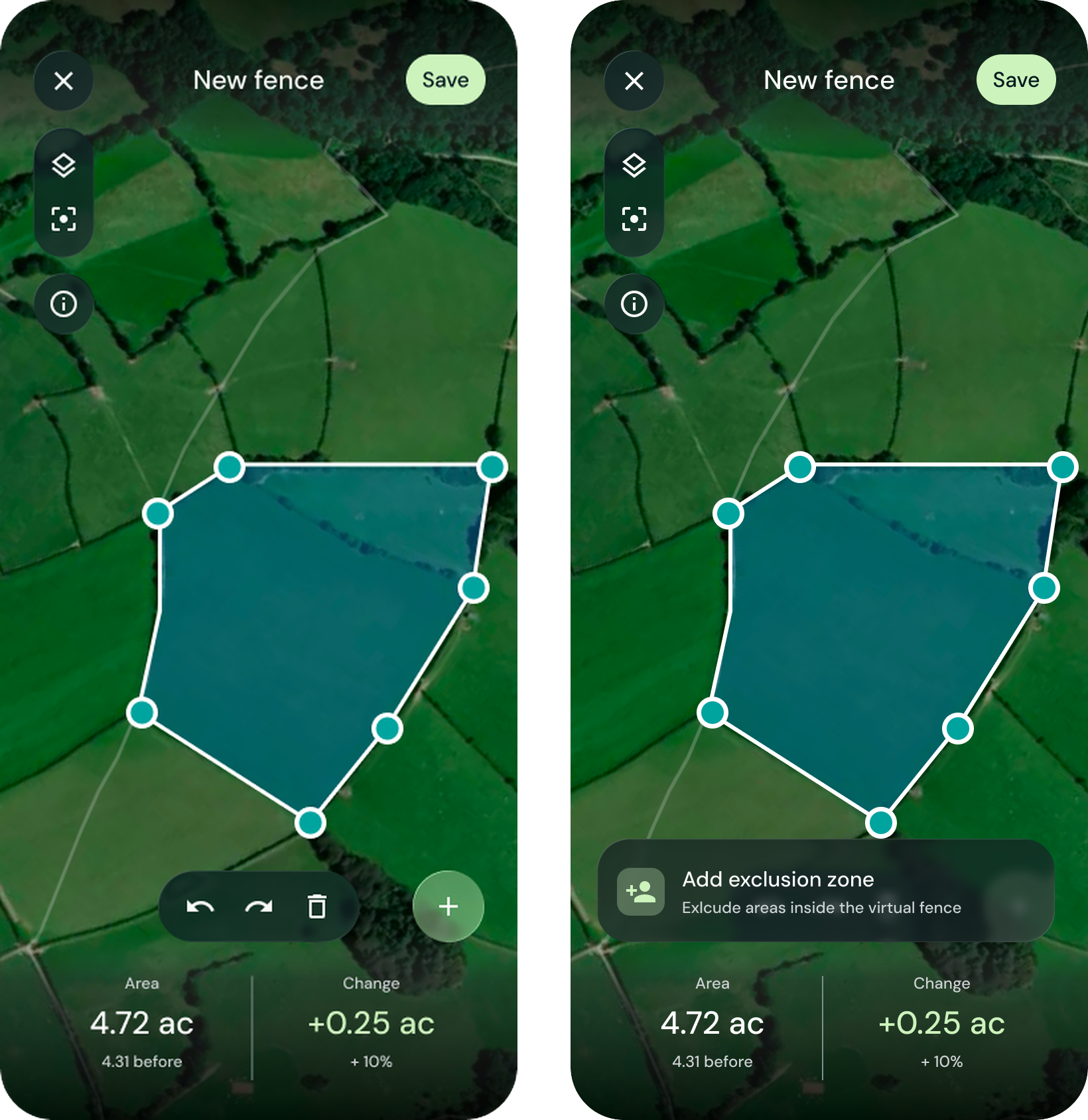
Exclusion zones are areas inside the fence where you do not want the animals to be. This could be, for example:
- Houses and holiday home areas
- Dangerous terrain (steep slopes, bogs)
- Areas that need to be protected
- Areas with traffic
If the area poses a danger to people or animals, we always recommend securing it with physical fencing.
The boundaries of exclusion zones work in the same way as the boundaries of your virtual fence, with audio signals and electric pulses.
4. Add animals to the fence in the app
Add the collars to your new fence: Open the fence in the app and tap ”Move” and then ”Add” in the menu. Select the animals you want to add to the fence from the list. Please note that it may take a while before the move has been completed.
5. Move the animals into the fence
Move the animals (with their collars on) to the virtual fence. The collars do not give off any audio signals or electric pulses while the animals are on their way into a virtual fence. The virtual fence is only activated once the animals are inside the fence boundary.