1. Turn on the collar
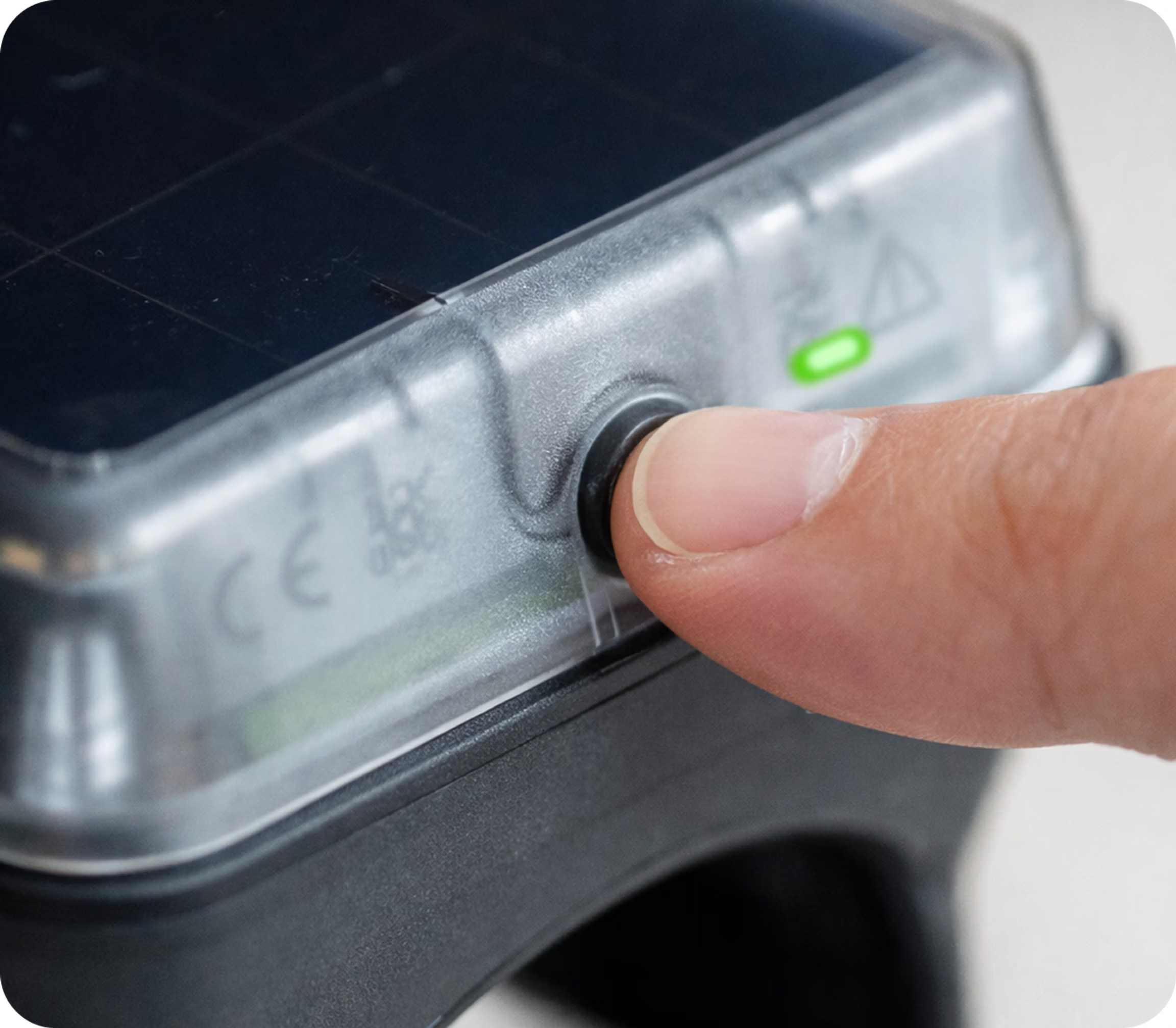
To turn on the collar, press and hold the button on the back. When the light on the collar flashes green, the collar is on.
2. Hang the collars outdoors
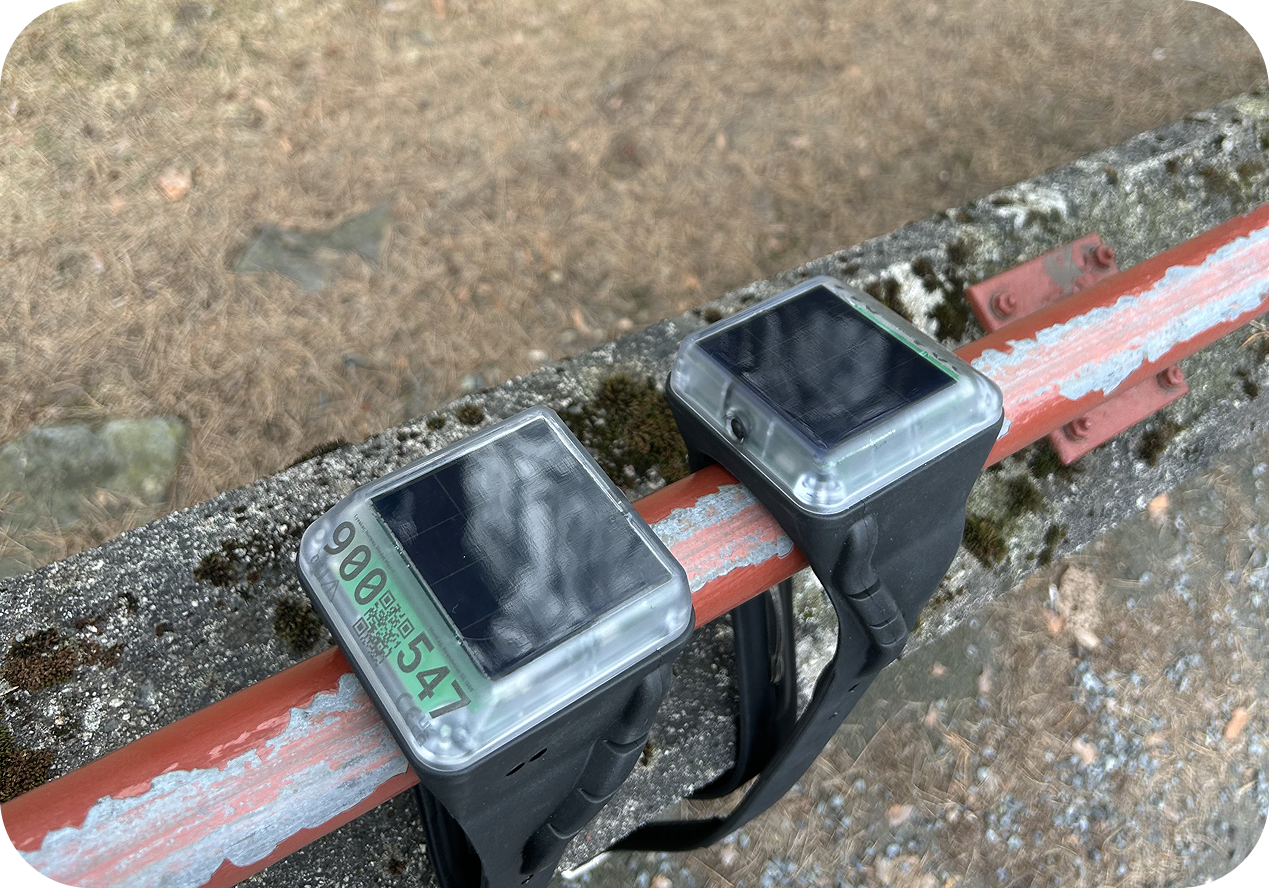
We recommend hanging the collars outdoors for a couple of days so they have time to charge fully before you put them on the animals.
The collars have to be turned on in order to charge with the solar panels. However, they do not need to be turned on when you charge them using the charging station.
3. Add new collars in the app
If you bought your collars through Monil's website, they are added to the app automatically, as long as you log in with the same email address you used for the purchase.
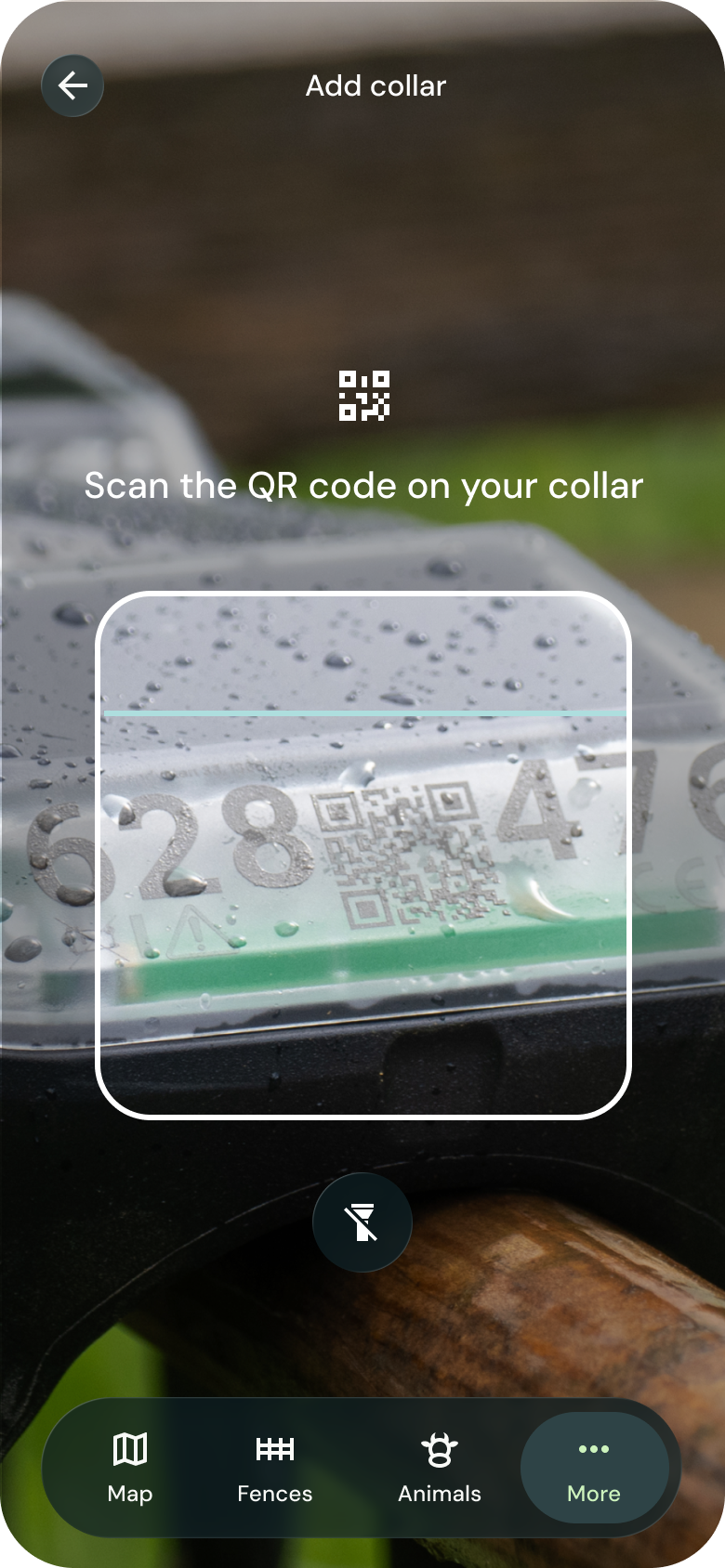
If you need to add the collars manually, here's how:
- Tap the three dots at the bottom right of the menu, where it says “More”.
- Select “Manage collars” and then “+ Add new collars”.
You can now scan the QR code on the front of the collar to add it to the app.
You're now ready to put the collars on your animals!