1. Download the app to your phone
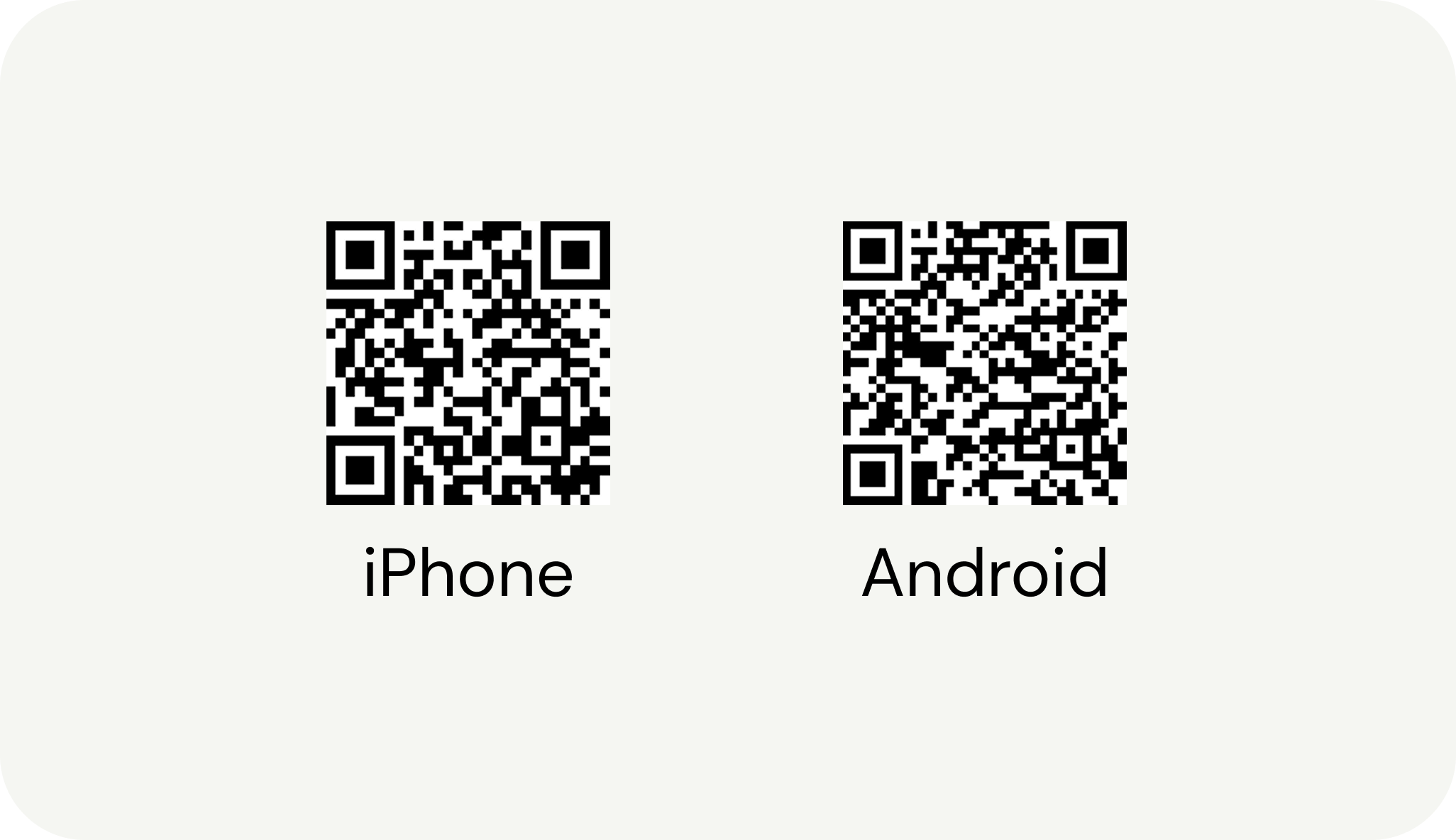
Scan the QR code in the image below to download the Monil app from the App Store or Google Play.
2. Create a user in the app
The first time you use the app, you need to create a user account. Start by tapping "Create new user". Then enter your name, email address, and phone number.
In the next step, you create a password. A verification code is then sent to the email address you registered with. Enter the code in the last step to complete your registration.
3. Create an organization in the app
You now have two options:
- Create your own organization.
- Join an existing organization.
If you create your own organization, you can use your farm's name, for example.
If you are joining an existing organization, you need an invitation code from the organization's administrator. The administrator can send an invitation through the app under "More" → "Members".
You are now ready to turn on the collars and add them to the app! 🎉
Read more here about how to turn on the collars and add them to the app.